Monday, September 15, 2014

SanDisk's latest 512 GB SD card

11:10 AM Posted by Unknown , No comments
SanDisk’s new SD cards can hold up to 512 GB of Data. This 512GB SD card will cost near about $800.

This is designed for HD video recording at a rate of 95 MB/s for professional use and can capture  up to 4K Video without any interruption.

SanDisk's latest 512 GB SD card


The card's built-in Advanced Wear Levelling and Error Correction Code engine enhances endurance and reliability.

SanDisk Extreme Pro SDHC and SDXC UHS-I Cards are shockproof, X-ray proof, and waterproof and ready to handle whatever life throws at them. 

You can capture in almost any climate—the card operates in temperatures ranging from -13 to 185 degrees Fahrenheit.

This will be a good package for the professional camera men and to the movie related persons. 
Along with 512GB there are also 256GB and 128GB SD cards are also available.

Sunday, September 14, 2014

Use your browser as an offline calculator

10:51 PM Posted by Unknown , , No comments
People use built in calculator for calculation in their computer. Some times for instant use you may use Google as a calculator. But do you know that there is another calculator is available in your computer.
Yes and that is your browser. You can use your browser as an offline calculator.
Most of the modern browsers provide this facility, not for simple calculation of math but also some complex calculation too.

This option can be found in the browsers JavaScript console. 

use your browser as a offline calculator

Simply press

ctrl+shift+j (for google chrome)

F12 and than ctrl+2 ( for Internet Explorer)

ctrl+shift+k ( for Mozilla )
After pressing this command in you browser your browsers JavaScript console will open.
Now type whatever you want to calculate and press enter.
And you will get the result.


Saturday, August 30, 2014

Google Authorship Will No Longer Be Available

12:39 AM Posted by Unknown , , No comments
Google Authorship Will No Longer Be Available

Google Will No Longer Show Authorship in Search Result.

On The Official Authorship Support Page Google Announced That "Google Authorship Will No Longer Be supported In Web Search".

We've gotten lots of useful feedback from all kinds of webmasters and users, and we've tweaked, updated, and honed recognition and displaying of authorship information. Unfortunately, we've also observed that this information isn't as useful to our users as we’d hoped, and can even distract from those results. -Says Jhon Mueller
Google Starts The Authorship Markup Service on mid 2011. At That Time The Intention Was To Allow Authors To Link Their Published Content To Their Google Plus Profile And To Gain Followers.
But After Three Years Of Experiment The Program is Not So Useful As Google Hoped. Says One Of Google Webmaster Trends Analyst John Mueller.
This is Happen, Just After Few Months When Google Plus  Boss Vic Gundotra Leave The Company.

Thursday, August 28, 2014

Host HTML, CSS and JavaScript files in Google Drive.

4:31 PM Posted by Unknown , No comments
Google give the opportunity to the developer to host their html,css,JavaScript and images file. Which ultimately give the developer an opportunity to deploy their web sites on the internet. and the interesting thing is, these published page will be indexed on the Google search.
This will be much more helpful for those who don't want to buy a hosting and who have a simple static web page, Specially to the developers like me who need to show the demo of their work to their client. 

This Process is not so hard to accomplished. with a few clicks anyone who have Google account can deploy their website. Just upload your content and make it public, that's all. 


HERE IS THE PROCESS 

  • Enter in to Google Drive Account.
  • On The Top Left Of The Window, Click on The Create Button.
    Host HTML, CSS and JavaScript files in Google Drive.
  •  
     
  • And From The Drop down Menu, Click On Folder.a small screen will appear, just write down the name and click on the create button.

Host HTML, CSS and JavaScript files in Google Drive.
  • A new folder will be created with your given name.

  • Now select the folder and click on the share button on the top of it.

Host HTML, CSS and JavaScript files in Google Drive.
  • A new window will appear, here click on the change button.

Host HTML, CSS and JavaScript files in Google Drive.
  • Now select public on the web and can view.

Host HTML, CSS and JavaScript files in Google Drive.
  • Now save.
  • Now Click On The folder and go inside it.
  • Click On The upload button and from the drop down click on the files or folder.

Host HTML, CSS and JavaScript files in Google Drive.
  • Now upload the files and folders from you computer. 
  • before uploading a new small window will appear on you screen, select the upload and share button.
Host HTML, CSS and JavaScript files in Google Drive.
  • after completion of upload, On The Top Of Your Browser, in the address bar You will find a string character after #folder/.

Host HTML, CSS and JavaScript files in Google Drive.
  • Open a new tab on the browser and write the follow addredss https://googledrive.com/host/
  • and paste the string character after it.
        Example:  https://googledrive.com/host/0B7HcXQ95u5GMQW9JSlhQc2tpUWM
     

    That's It, Now Your HTML, CSS Or JavaScript File is Published.

Saturday, August 2, 2014

How to download YouTube Video .

5:32 PM Posted by Unknown , , No comments
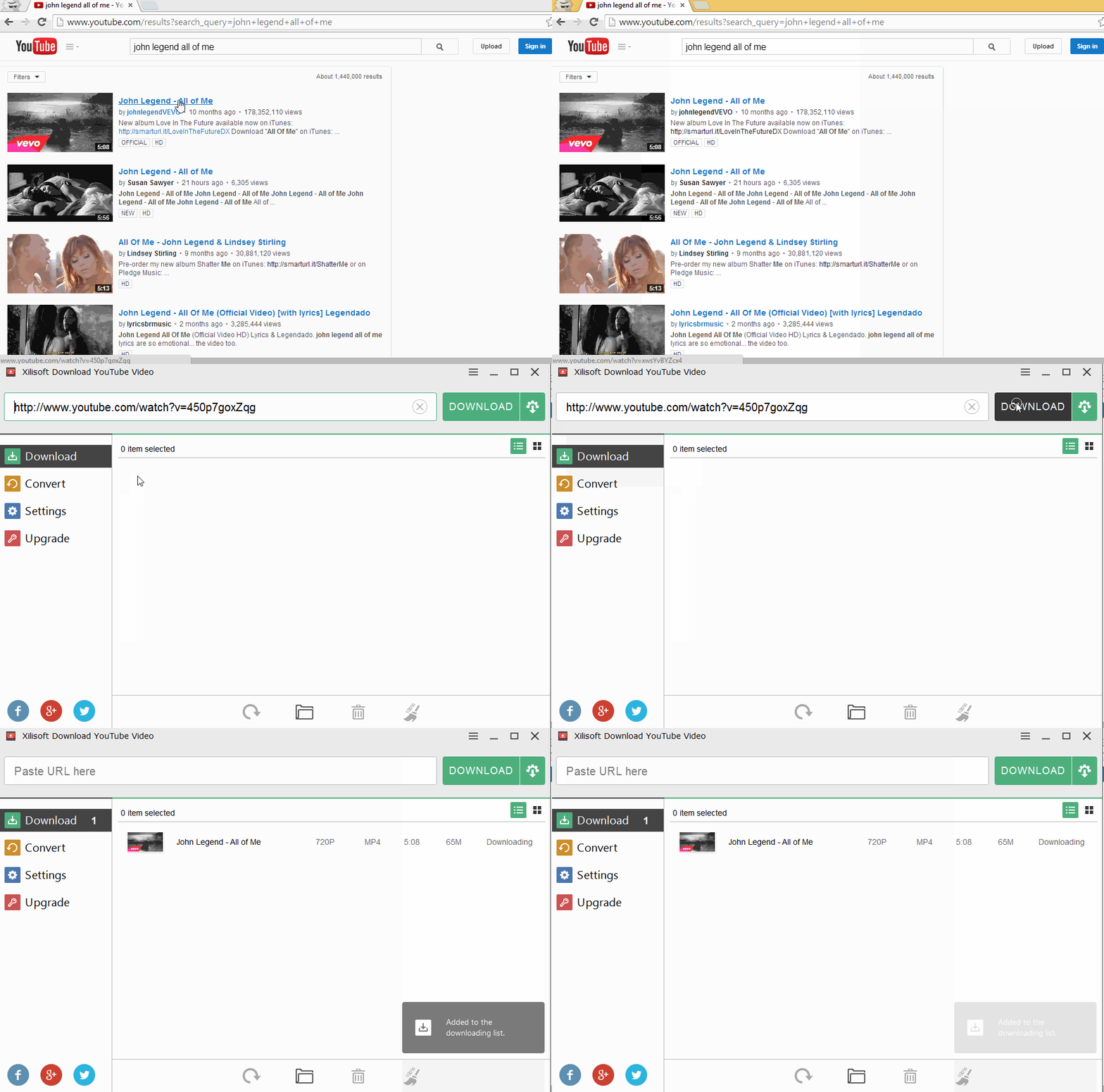
YouTube is one of the biggest and most used video shearing sites on the internet.  But YouTube does not give the direct permission to download its video. But sometimes, you may not have the time to watch that video instantly and want to download that video, so that you can watch the video offline.
download youtube video

There is several ways to download YouTube videos. Some online tools like keepvid,  dirpy, savefrom, savevid, deturl as well as some offline tools like clipgrab, xilsoft and so on. These online or offline applications are totally free with wide range of features.
You can download the videos in HD format, mp4, mp3,FMV, WebM, 3gp.

Here is some of those software’s links.

 Offline Applications Download Link  

Clipgrab
http://clipgrab.org/


download youtube video


xilisoft
http://www.xilisoft.com/download-youtube-video.html


download youtube video


Online Applications Link  

savefrom
http://en.savefrom.net/
download youtube video


Dirpy
http://www.dirpy.com/

download youtube video

savevid (Latest Java Installation Needed)

http://www.savevid.com/

Deturl
http://deturl.com/

Keepvid
http://keepvid.com/

On These sites just past the YouTube link and down the video according to your requirements.

Hope this will help you to download YouTube video.

Thanks.

Monday, July 28, 2014

Some Internet Browsing Tricks That You Should Know

1:29 AM Posted by Unknown , , No comments
Shortcut is always a time saving method for everything. and especially for internet users some short cut is really essential which can give the user more efficiency as well as save time for surfing on internet. their are several short cuts are available which you may not know. which can really simplify your browsing life.

Some Awesome Tricks


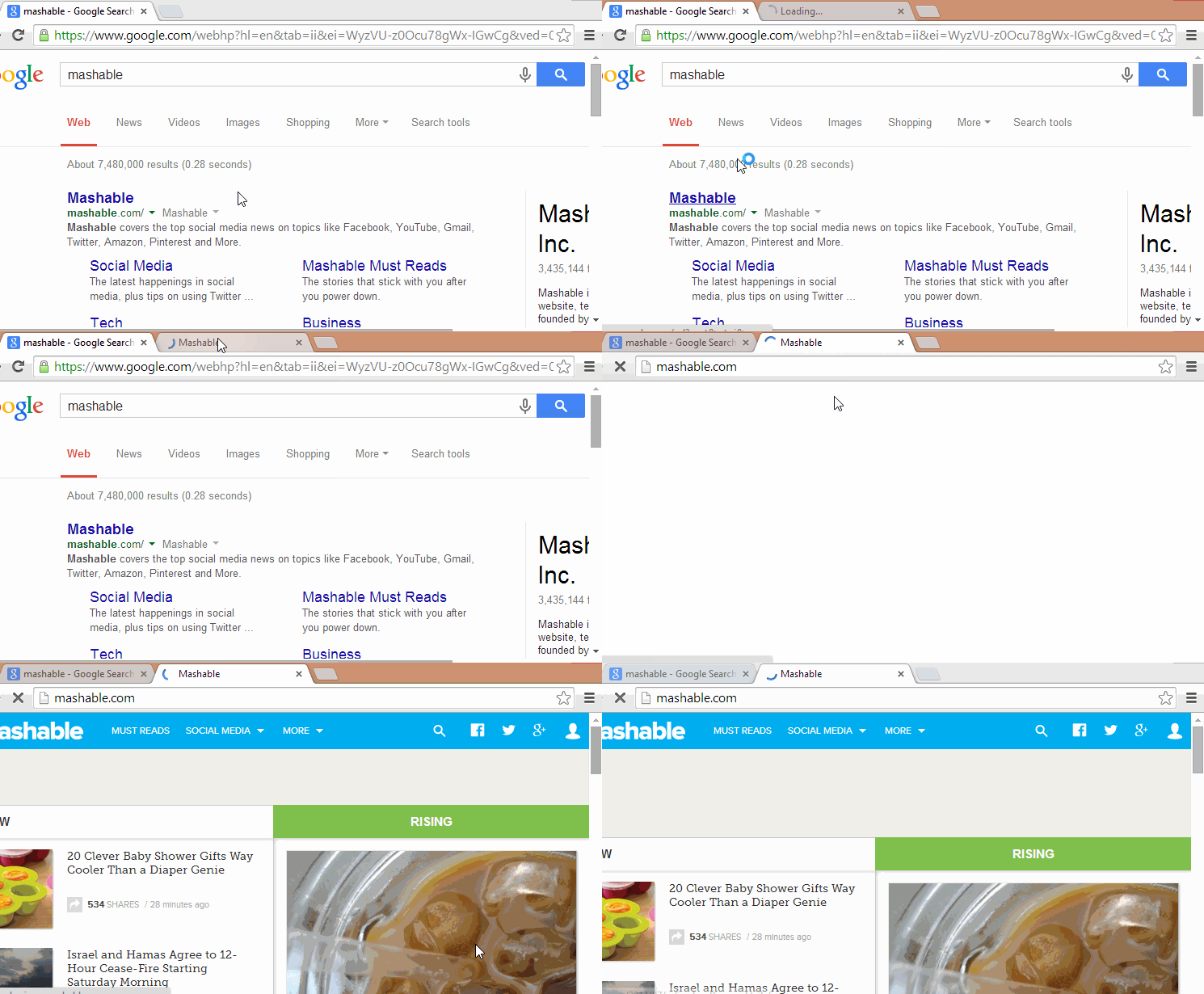
HOLD S+RIGHT CLICK ON THE IMAGE FOR REVERSE IMAGE SEARCH.

MAGE FOR REVERSE IMAGE SEARCH

OPEN THE LAST CLOSED TAB WITH "CTRL+SHIFT+T"

OPEN THE LAST CLOSED

OPEN A LINK IN A NEW TAB BY HOLDING "CTRL" AND CLICK ON THE LINK

OPEN A LINK IN A NEW TAB


USE YOUR BROWSER AS NOTEPAD

JUSY PERST THE FOLLOWING CODE INTO YOUR ADDRESS BAD
  1. data:text/html,%20<html%20contenteditable><Title>Notepad</Title> 

USE YOUR BROWSER AS NOTEPAD

FIND OUT YOUR FAVORITE CELEBRITIES  BACON NUMBER

FIND OUT YOUR FAVORITE CELEBRITIES  BACON NUMBER


PRESS "CTRL+ENTER" TO ADD .COM TO ANY WORD YOU TYPE IN THE ADDRESS BAR.

ADD .COM TO ANY WORD YOU TYPE IN THE ADDRESS BAR


PLAY A RETRO GAME IN GOOGLE IMAGES


Thanks for your attention and hope you will apply these shortcuts and will be more efficient in your browsing activity.

Saturday, July 26, 2014

Do More Than Search With Google. ( Part 1)

5:42 PM Posted by Unknown , No comments
Google is one of the most top used and preferred search engine all over the world. In 2013 the average search per day on Google was 5,922,000,000. And Most people use it for the search purpose. But do you know that, Google actually provide more that only search. some time it about fun, some times it about really helpful. Rather than search, Google has some special feature on it. some funny features. 
And by Using these special feature or tricks of Google you really can save your time. 

Do More Than Search With Google


Search For a Companies Founder:

Google will provide you the information about any companies founder.

Search For a Companies Founder


Find Out Your Favorite Authors Books.

Find Out Your Favorite Authors Books.


Choose Healthy Food With Google.

Choose Healthy Food With Google


A Big Pole On Festivus.

A Big Pole On Festivus


Check Your Flight Time With Google.

Check Your Flight Time With Google


Google barrel Roll Effect, Still in Google.

Google barrel Roll Effect, Still in Google


Find Out The Definition and Etymology of any word.

Find Out The Definition and Etymology of any word

Play a Google Game With Google:

Play a Google Game With Google


Make Google lean just a little bit by telling it to "tilt."

Make Google lean just a little bit by telling it to "tilt."


Use Google As A Timer.

Use Google As A Timer


So Enjoy Google, And Be With Us.
Thank You For Reading

Thursday, July 24, 2014

Add Subtitle To Any Video

1:29 PM Posted by Unknown , , No comments
Few days ago, i have got a problem. i have heard about a move which is in Arabic. But as i am not an Arab, so i had to download the subtitle in English of that movie. I download the subtitle. but again problem, how can i add that subtitle to that movie.
I am googling a lot. try to find in different way. and i have got several way to add that subtitle file to my video, which was in mp4 format. but their has also a problem, and that is i have to convert that mp4 file to AVI file which is a time killing job.
Then i start to search again, and suddenly i found the solution, and that is the most easiest way. I had done a lot of hard job to find out the solution, but i did not even know that, what i am searching for is already available in my hard disk.
And that is VLC Media player. VLC media player provide this facility to add subtitle to the movie.
You don't need to change the file format. you just have to collect the subtitle file and add that to the VLC player.


Here is the simple steps

Open VLC player and open the video.

Add Subtitle To Any Video

Go to the menu bar and click on subtitle and then click on add subtitle


Add Subtitle To Any Video

Now just locate the video subtitle which may be in srt file format. select the srt/subtitle file and click on open.


Add Subtitle To Any Video

This will add the subtitle to the video. 


Add Subtitle To Any Video

Now enjoy the video, does not matter it's Arabic or else. if you have the subtitle enjoy it.

cheer.
Thanks for reading.